 Flowcall
Recurring data work that ends in a decision, done the same way every time.
Flowcall runs your reports and checks on a schedule, stops when the numbers look wrong, asks the right person to approve, and keeps a record of every decision and how it turned out. It runs on your own Windows PC, so your data stays with you.
Download for Windows Take the tour
Free Starter plan · Windows 10 and 11 · Version 0.14.0
Who it's for
Analysts, operations leads and small data teams who run the same reports and decisions every week with SQL, Excel, Python scripts and email. You can write a query or a short script, but you don't want to run servers. If you run a large data platform with many engineers, a tool like Apache Airflow is a better fit, and we say so in our comparison.
Three things you get
Reports that run themselves
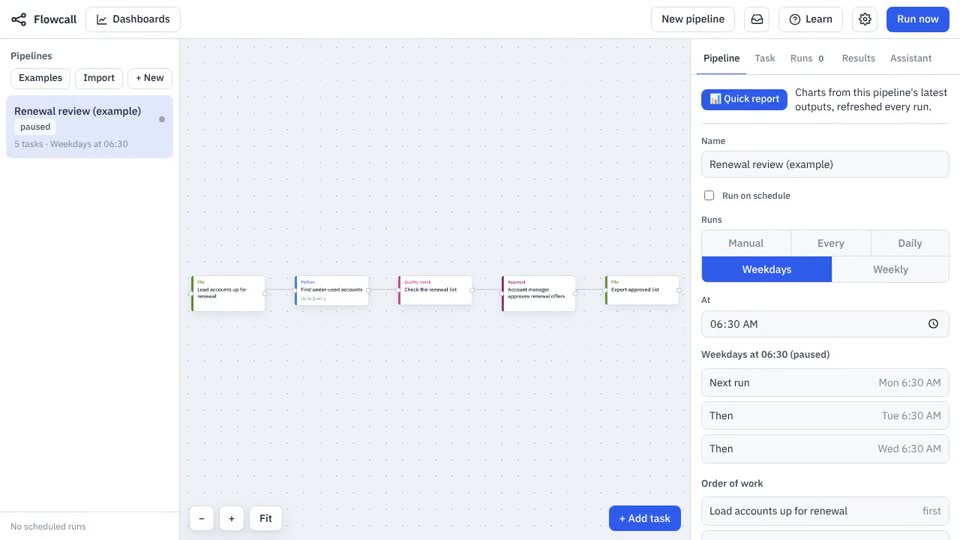
Put a query, a script or an Excel file on a schedule. Flowcall runs it, saves the result as Excel or CSV, and keeps every run's files and logs.
Mistakes caught before anyone sees them
Plain rules such as rows >= 1 or unique: invoice_id check the data at every run. If a rule fails, the pipeline stops and you get told why.
Decisions you can prove
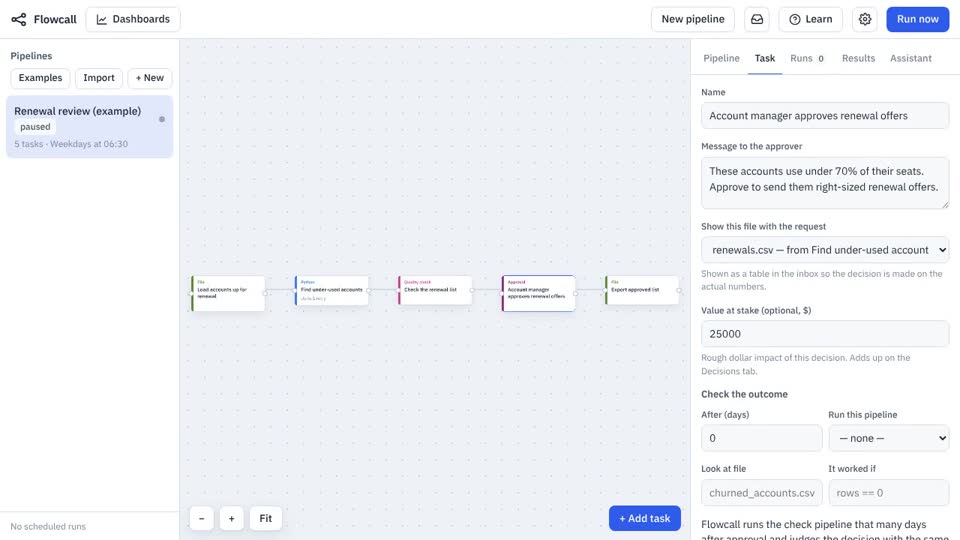
The person who approves sees the actual table. Flowcall records who decided, when, the value at stake, and later checks whether the decision worked.
See it in a minute
Try it free
The Starter plan is free with no time limit: five pipelines, quality checks and the local AI assistant, on one PC. Team and Enterprise add more pipelines and people, email alerts, and the cloud assistant. See pricing.