Flowcall
Examples / Analytics
Ask the assistant to fix it
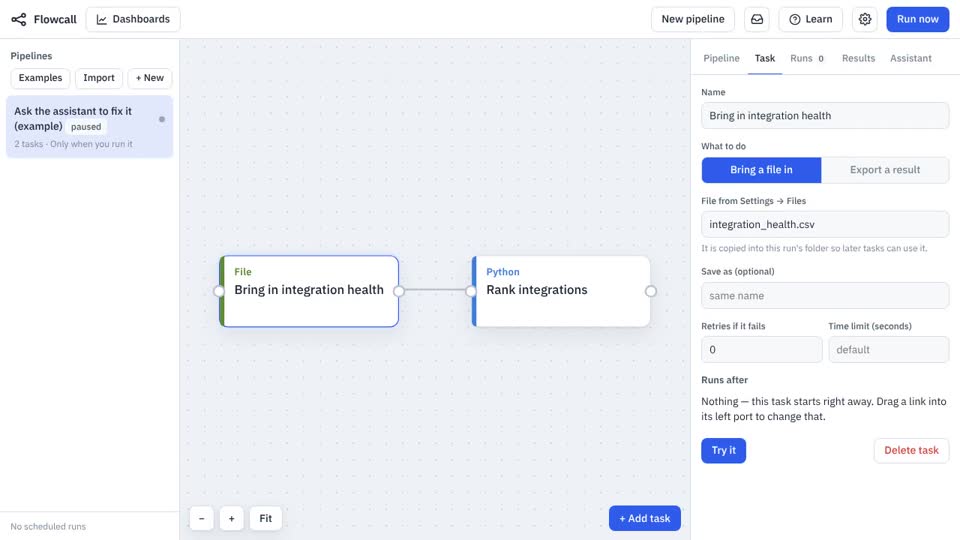
A small scoring pipeline with a bug in the Python step. Run it, open the failed run, and press 'Ask the assistant why this failed' — it reads the log and proposes a fix you apply with a button.
What it teaches
- Assistant
- Failed runs
- Applying a proposal
Try it
- In Flowcall, open Learn and choose Examples.
- Install Ask the assistant to fix it.
- Press Run now and open the Results tab.
Learn more
- 5. Let the assistant do the typing in the Analytics guide
The steps
- Bring in integration health Move a file
Brings
integration_health.csvinto the run. - Rank integrations Python
What it looks like