Flowcall
Examples / Data engineering
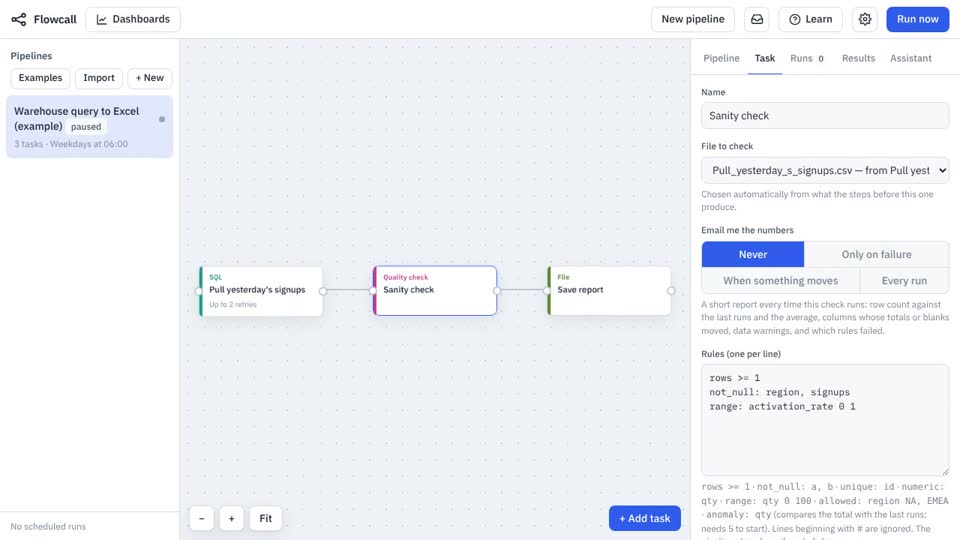
Warehouse query to Excel report
Query your warehouse on a schedule, check the result, and drop an Excel file on a shared drive every morning. Uses a connection you set up in Settings.
What it teaches
- Connections
- SQL task
- Quality check
- Export with timestamp
Try it
- In Flowcall, open Learn and choose Examples.
- Install Warehouse query to Excel report.
- Press Run now and open the Results tab.
Learn more
- 2. Replace a manual report in the Analytics guide
- 1. Connections, secrets and the run folder in the Data engineering guide
The steps
- Pull yesterday's signups SQL
- Sanity check Quality check
rows >= 1 not_null: region, signups range: activation_rate 0 1 - Save report Move a file
Saves
Pull_yesterday_s_signups.csvto Files, date-stamped.
What it looks like