Flowcall
Examples / Data engineering
See what a pipeline costs
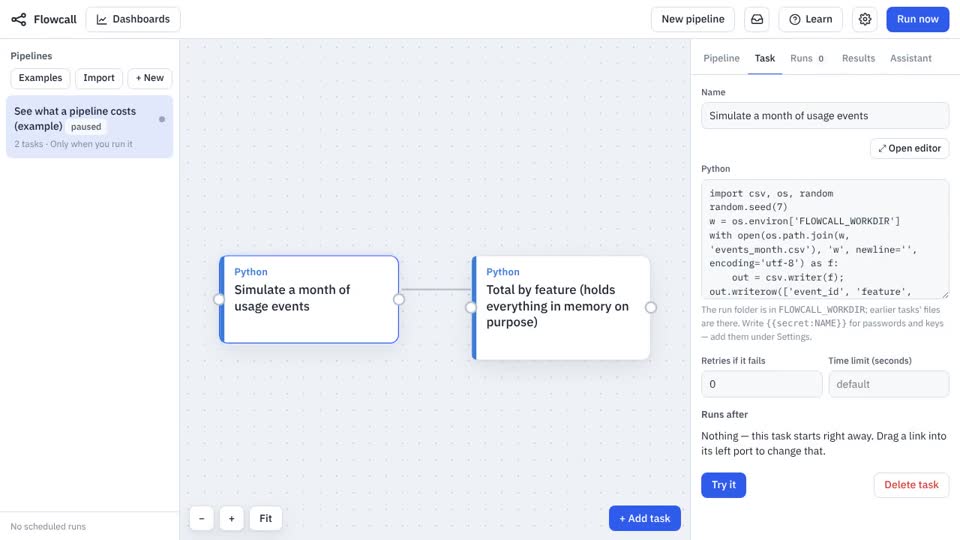
A deliberately heavier calculation so Usage & cost has something to show: machine time, peak memory and rows produced for each step. Run it a few times, then open Settings → Usage & cost.
What it teaches
- Usage & cost
- Peak memory
- Budgets
Try it
- In Flowcall, open Learn and choose Examples.
- Install See what a pipeline costs.
- Press Run now and open the Results tab.
Learn more
- 7. Know what it costs, and who can change what in the Data engineering guide
The steps
- Simulate a month of usage events Python
- Total by feature (holds everything in memory on purpose) Python
What it looks like